The QUANSHENG UV-K10 Pro gives you several ways to look for activity on supported frequencies. Choose the tool based on what you already know: where activity might be, which range you want to listen through, or whether a known nearby source is transmitting.
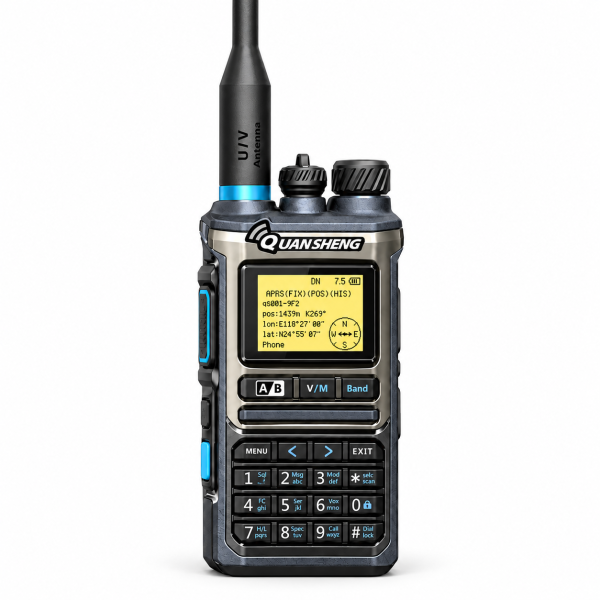
Use the spectrum display to spot activity
Start here if you want a visual overview. A peak gives you a place to investigate, but its height alone does not identify the signal or tell you whether you can listen to it clearly. Check whether the peak repeats before treating it as useful.
Use VFO scan to listen through a defined range
Set a narrow scan range around the frequencies you want to check. If the scan stops on activity, pause and listen directly. For intermittent signals, repeat the scan at another time; a quiet pass can simply mean nothing transmitted while the radio was checking.
Use the frequency meter for a known nearby source
For a planned bench check with a compatible source, the frequency meter can help identify a nearby active signal. Compare the reading with the source’s expected frequency and repeat the check if it varies. Treat a reading as a clue rather than a calibrated measurement.
Visit the QUANSHENG UV-K10 Pro product page for specifications and the product video. The Downloads page lists programming and support resources; check your exact model before installing any software.