The BAOFENG DM-32 can record received DMR calls, transmitted DMR calls, or both. Before relying on a recording, make a short test in each direction and play it back. This helps distinguish a recording setting from a channel or audio problem.
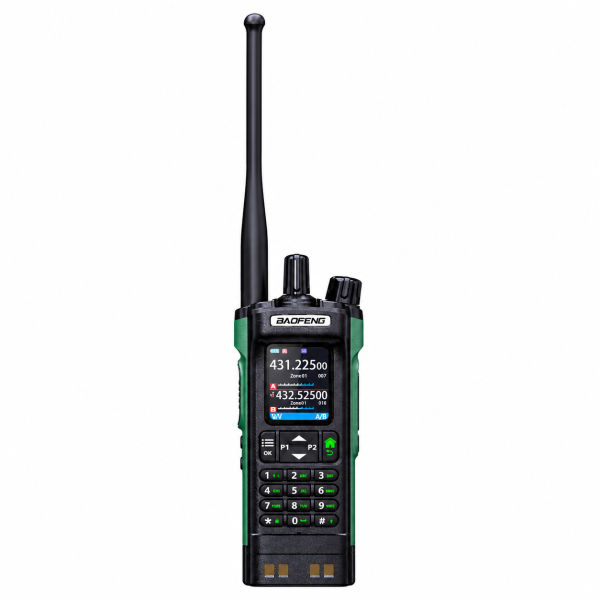
Check that you are using a digital channel
The recording feature described for this model works in DMR digital mode. An analog conversation will not create a DMR recording. First confirm that the intended digital channel can carry a normal two-way voice call with your other radio.
Test received and transmitted audio separately
- Check whether recording is configured for received calls, transmitted calls, or both.
- Ask the other operator to send a brief, recognizable test message.
- Reply with a different test message.
- Open the saved recordings and play back the relevant entries.
If only one direction is present, review the selected recording option before changing channel settings. If neither message is present, confirm the mode and recording configuration, then repeat the test.
Review saved entries before deleting them
The DM-32 supports playback, deletion and review of recording details. Check that you have selected the intended entry when looking for a specific call. Once you no longer need old recordings, use the supported deletion controls to manage the available storage.
Storage capacity is different from battery life
The listed recording capacity is approximately 10 hours. This describes audio storage, not how long the battery will power the radio or how long you can transmit continuously. Check recording settings again after changing your radio configuration.
See the BAOFENG DM-32 product page for the radio specifications and product video. Our Downloads page provides available programming resources; match files to your exact model and hardware version.