Use dual watch when you already know the two channels you want to follow. Use channel scan when you want to check a larger set of stored channels for activity. The BAOFENG UV-32 offers both, so it helps to choose the mode before changing your channel settings.
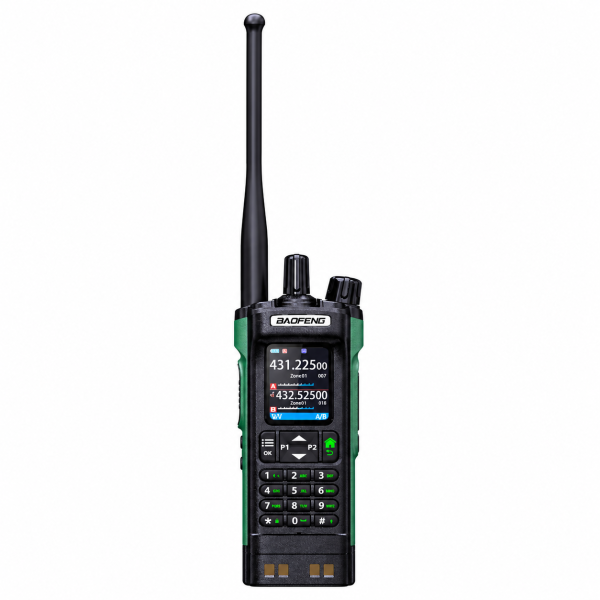
Dual watch: follow two known channels
Select one channel for A and another for B, then enable dual watch. For example, you might keep your usual local channel on A and a second channel you want to hear on B. The radio checks them alternately, so two entries on the screen do not mean two independent receivers or simultaneous audio.
Channel scan: look for activity across stored channels
Use channel scan when you want to hear which of several programmed channels is active. Start with a small set of known channels so you can tell what the radio is checking. If it repeatedly stops on one busy channel, use dual watch for two priority channels or review what you have included in the scan.
One channel missing? Listen to it directly
Pause scanning or dual watch and select that channel by itself. Confirm it is the intended memory entry and check whether its receive frequency and any receive tone match the source. If it works when selected directly, check that the intended entry is in the scan or assigned to the correct A or B position.
Visit the BAOFENG UV-32 product page for the black and green model, or check the Downloads page for programming resources. Confirm your exact model and hardware version before using a software package.