When setting up two SHJ R7 radios, test a group call and a private call separately. A successful group call confirms that the radios can communicate on that setup, but it does not confirm that the private contact points to the intended radio.
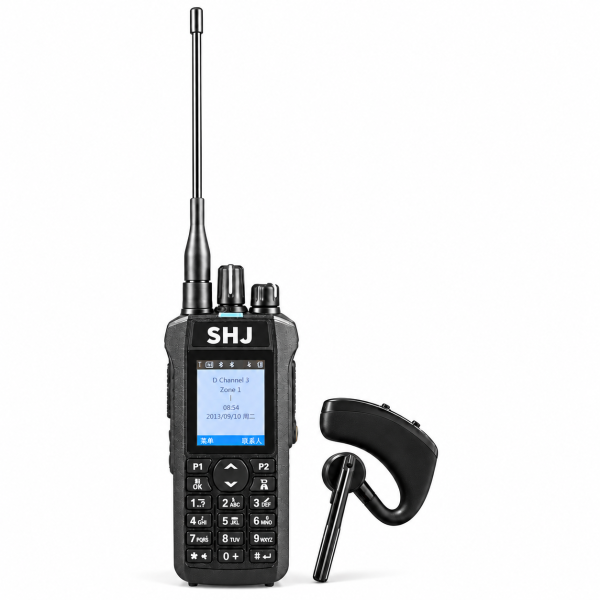
1. Start with a known digital channel
Choose a DMR channel your team is authorized to use. Verify that both radios are on the intended channel and that their frequencies, color code and time slot match the requirements for your direct or repeater setup. Use the same setup for both tests so you can isolate contact settings.
2. Test the group call in both directions
Check that the transmitting contact is configured as a group call with the intended talkgroup ID. On the receiving radio, check that its channel configuration accepts that talkgroup. Send a short test message and have the other operator reply. Swap roles before moving on.
3. Test each private contact
Verify that each private contact contains the intended recipient’s DMR radio ID and is set to the private call type. If group calls work but private calls do not, compare the recipient ID in the contact with the radio ID configured on the receiving unit. If neither call works, return to the channel settings before editing contacts.
Save a working copy
Keep a backup of the working programming file, along with a note identifying the tested channels and contacts. Check the exact model and hardware version before installing programming software. See the software downloads page or visit the SHJ R7 product page.