If finding a channel takes longer than making the call, reorganize your zones before adding more channels. The BAOFENG DM-1702 supports up to 64 channels per zone, but a short list arranged around where and how you use the radio is often easier to navigate.
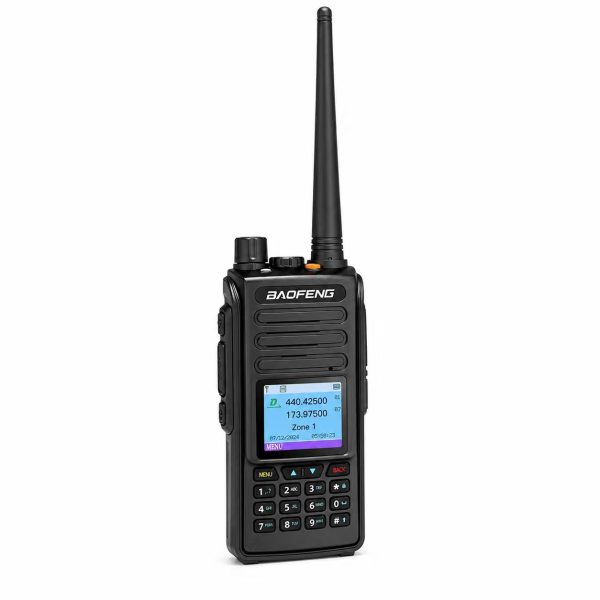
Start with two zones
For a small codeplug, try a Local DMR zone for your usual digital channels and an Analog Local zone for your regular FM channels. Put your most-used entries near the top. If you regularly travel between sites, a zone per site may be easier to remember than a zone per mode.
Give each channel a recognizable name
Use a consistent pattern: site or repeater first, then the talkgroup or purpose. For example, “North TG” and “North FM” help distinguish two entries at a glance. Names are labels only: changing one does not change the channel’s programming.
Check the settings behind each entry
For digital entries, check the frequency pair, color code, time slot and talkgroup against the information provided by your system operator. For analog entries, check the frequencies and any required tones. Keep a backup of your current codeplug before reorganizing it, then test that each zone shows the expected channels on the radio.
Get the right software for your radio
Check the exact model and hardware version before selecting programming software. See the SHJ Communications Downloads page for the DM-1702 CPS listing, or visit the BAOFENG DM-1702 product page for the radio’s specifications.