If your BAOFENG DM-1701 already makes and receives calls, save that working setup before changing firmware. A codeplug is the radio configuration: it can contain channels, zones, digital contacts and other settings. It is separate from the firmware that runs the radio.
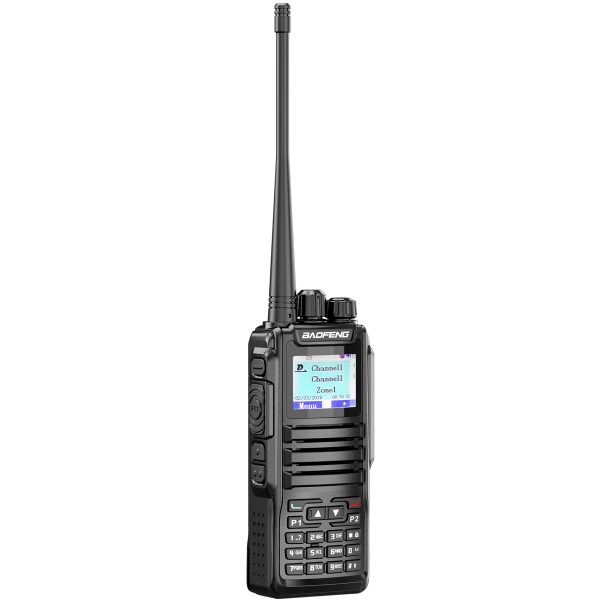
Identify what is installed
The DM-1701 listing describes compatibility with OpenGD77, an alternative firmware. Compatibility does not mean OpenGD77 is preinstalled. Check which firmware your unit is running before selecting the programming software, often called CPS. Record the model, firmware version and CPS version alongside your backup.
Read the radio before writing to it
Use the programming tool and cable appropriate for the installed firmware. If the tool supports reading the radio, read its current configuration and save an unchanged copy to your computer. Give the file a clear name such as DM1701-factory-working-backup and keep a second copy before making edits. Open the saved file in the same tool to check that the channels and zones you expect are present.
A saved codeplug does not back up or restore the firmware itself. Before changing firmware, consult the project’s current instructions for the exact DM-1701 model and check how recovery works. If the official instructions call for additional device backups, complete those separately.
Keep factory and alternative firmware files separate
The store lists up to 3,000 channels and 250 zones for the factory firmware. Alternative firmware can organize settings differently. Keep separate folders for factory and OpenGD77 files, and do not assume the new CPS can import your old configuration. Even when a supported import is available, inspect the result before writing it to the radio.
Test a small configuration first
Start with one known channel and a compatible test partner. For DMR, compare the relevant frequency, color code, time slot and talkgroup settings. For analog FM, confirm the channel mode and any tone settings used by the other radio. Make a short call and ask for a reply on settings you are authorized to use. Once that exchange works, add other channels in small batches.
Visit the Downloads page for available resources. If you are unsure which file applies, contact SHJ Communications with the model, installed firmware and programming tool. Include the exact error if the tool cannot read your radio.