Before adding every SHJ Q7 to every Super-PTT group, decide who needs to hear each conversation. A short, clear group plan makes it easier for a small team to select the right conversation and for the group owner to maintain membership.
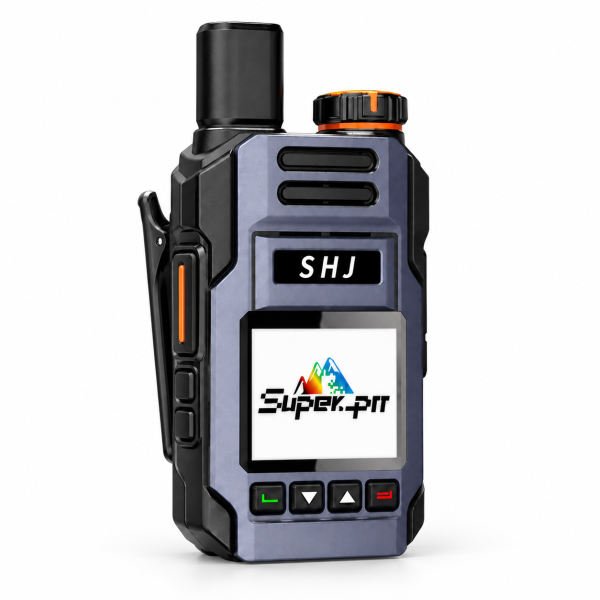
Start with everyday roles
For a small warehouse, you might start with a Warehouse group and a Dispatch group. Add people according to their work rather than creating a separate group for each radio. If everyone needs the same information, one shared group may be enough. These are organizational examples, not preset groups supplied with the radio.
Name an owner for each group
The Super-PTT app lets group owners manage members and group settings. Choose who will create or maintain each group, and keep a simple record of the group name, owner and intended members. Use recognizable names so staff can tell which group they should select.
Keep a device assignment list
Record which radio is assigned to each role or staff member. Device binding uses the radio’s QR code or IMEI; keep these details in your internal records rather than posting them publicly. When a radio changes hands, review the assignment and group membership so the next user starts with the intended setup.
Test the plan before the shift
- Confirm each radio is activated and connected through a compatible mobile network.
- Check that each user has joined the intended Super-PTT group.
- Send a short test call and have another group member reply.
- Repeat at the actual work locations, since coverage can vary within a site.
If a call fails, note whether the radio is offline or simply in a different group before changing settings. Review the group plan when team roles change, and remove memberships that are no longer needed.
See the SHJ Q7 product page for the included SIM and platform services and the product video. Visit our Downloads page for available support resources.