If an ALERVITES POC-AT1 shows offline or cannot reach another radio, first establish whether both units can connect to the mobile network. That tells you whether to check the SIM and coverage or move on to OLA Radio settings.
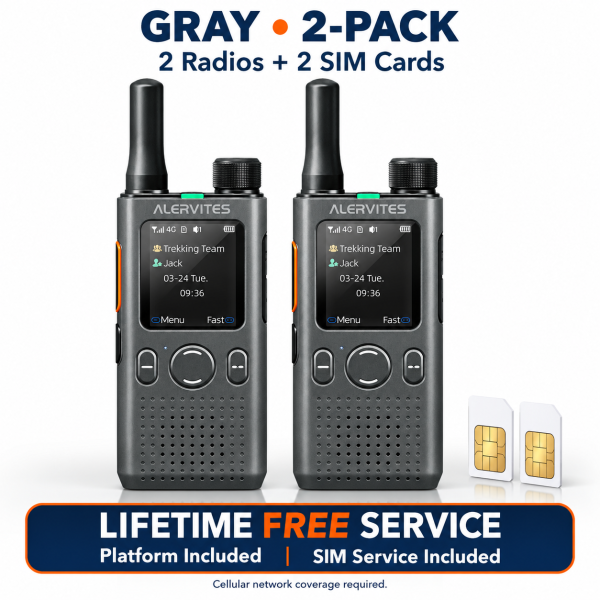
1. Compare both radios in the same location
Power on both units where you normally have usable cellular coverage and note what each screen shows. If both lose service inside a building but reconnect outdoors, test the actual places where you plan to use them. If only one unit stays offline, focus on that radio and its SIM.
2. Verify the SIM and mobile data settings
Check which SIM is selected and confirm that the SIM is active for mobile data in your location. If the device still cannot connect, ask your SIM provider or SHJ support to confirm the access point name (APN) for your specific SIM and device. APN values can differ by provider and plan, so copying a setting from a different SIM can make troubleshooting harder.
3. Check OLA Radio once both units are online
If both radios are online but a group call fails, confirm that both are in the same OLA Radio group and have selected that group on the radio. Then send a short test message in each direction. If the group call works but a private call does not, check whether the intended member appears online.
What to send support
Note whether one or both radios are affected, your country, the status shown on each screen, and whether the issue changes in a second location. That gives support enough information to narrow down the next check. See the POC-AT1 product page for the included SIM service and product video, or visit our Downloads page for support resources.