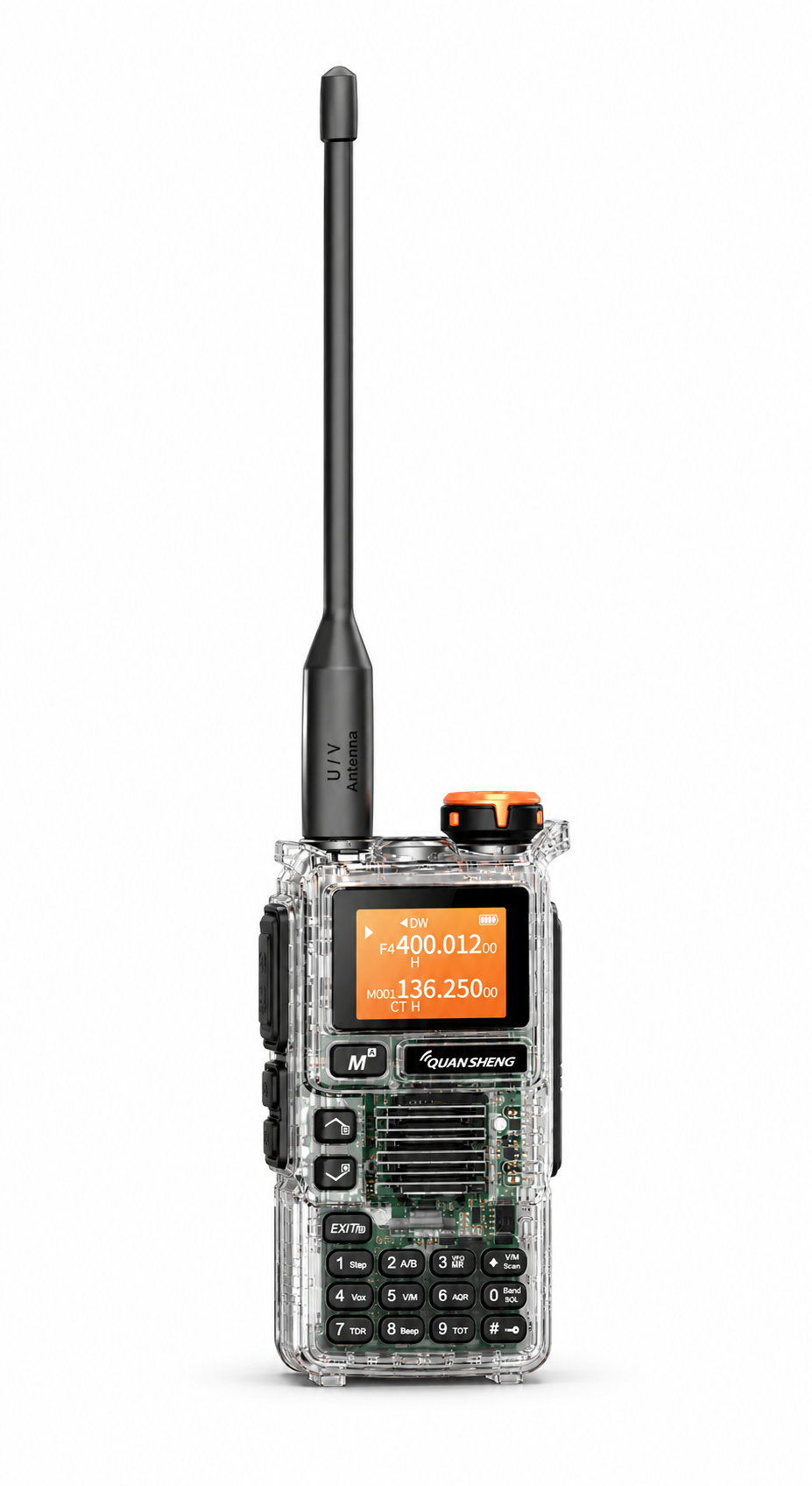
The QUANSHENG UV-K5(99) combines a physical keypad, channel memories and several listening options in a handheld format. At SHJ Communications, you can explore blue, gray, yellow, red and transparent editions. This guide helps you choose a look you like while checking the functions and package details that matter.
What the listed features mean in everyday use
200 memory channels
Memory channels let you organize configured entries for convenient selection. If you prefer a repeatable setup over entering settings each time, a planned channel list is a useful starting point. The number of memory slots describes storage capacity, not how many conversations you can hear at once.
Dual display and dual watch
The display can show two entries, while dual watch helps monitor them. Dual watch does not mean that two conversations are received simultaneously. Keep this distinction in mind when comparing product descriptions.
AM airband and FM broadcast reception
The current listings include AM airband and FM broadcast listening functions. These modes are receive-only. They are separate from the radio’s transmit functions and should not be interpreted as permission or capability to transmit in those listening modes.
Keypad controls and compatible PC programming
Features such as keypad lock, programmable side keys and VOX provide different ways to operate the radio. PC programming can help manage compatible channel settings, but it requires suitable software and a compatible programming cable. Check the exact model and hardware version before choosing a download.
Explore the five UV-K5(99) editions
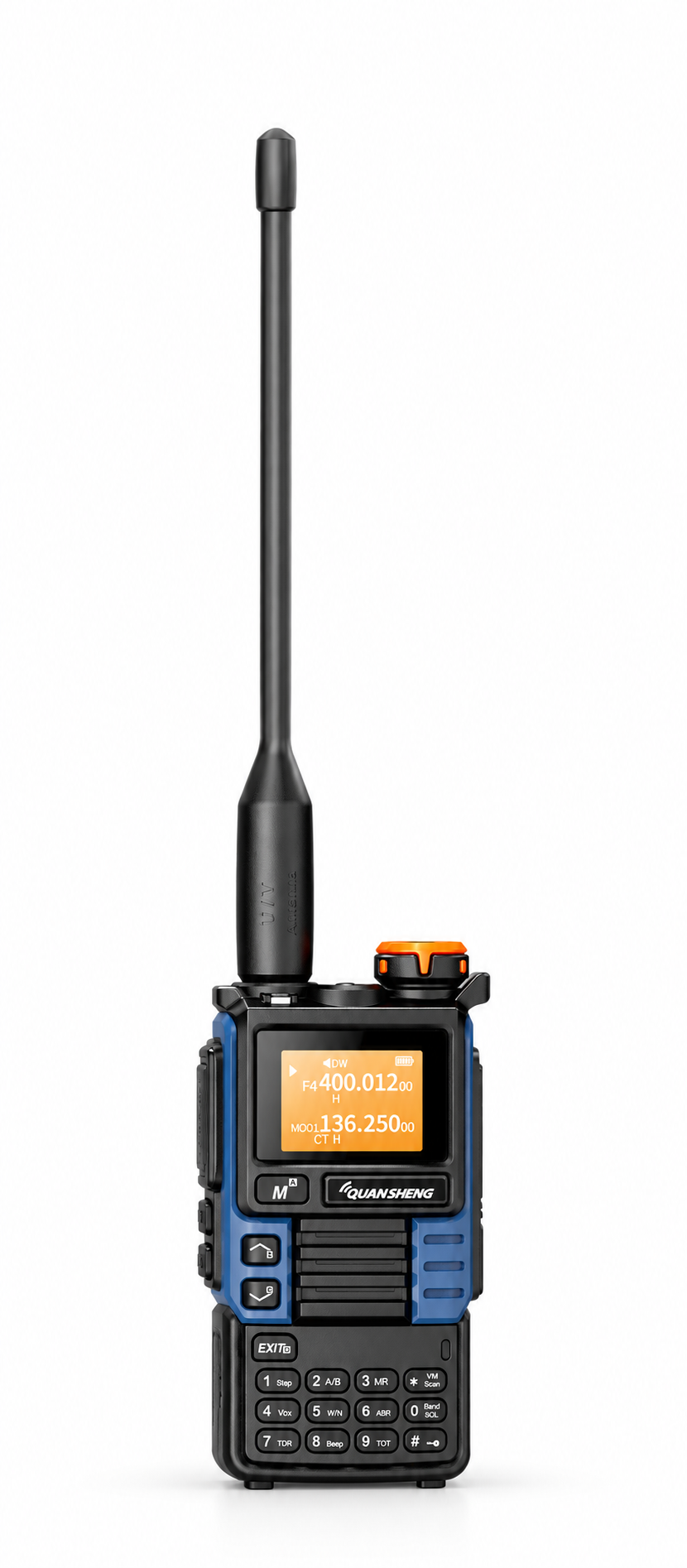
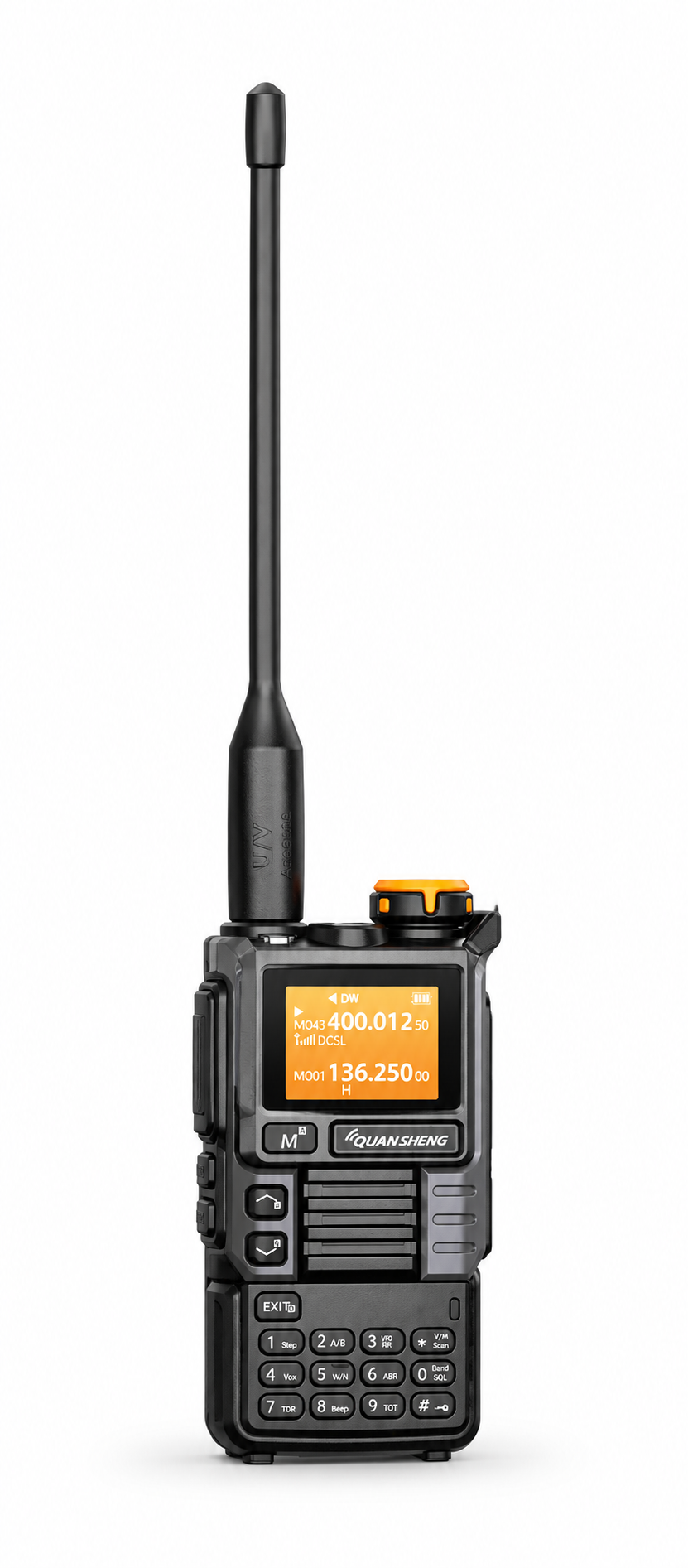
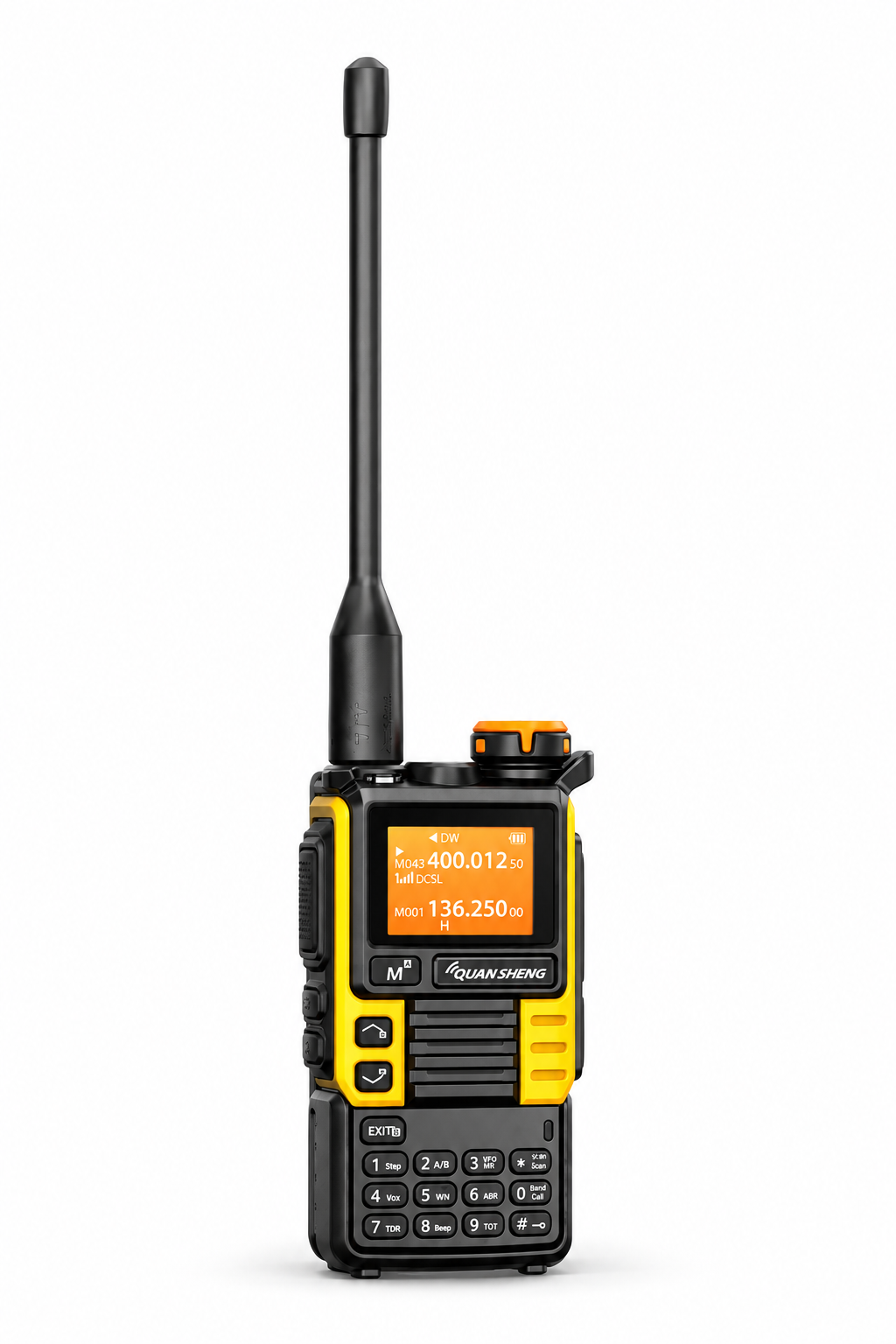
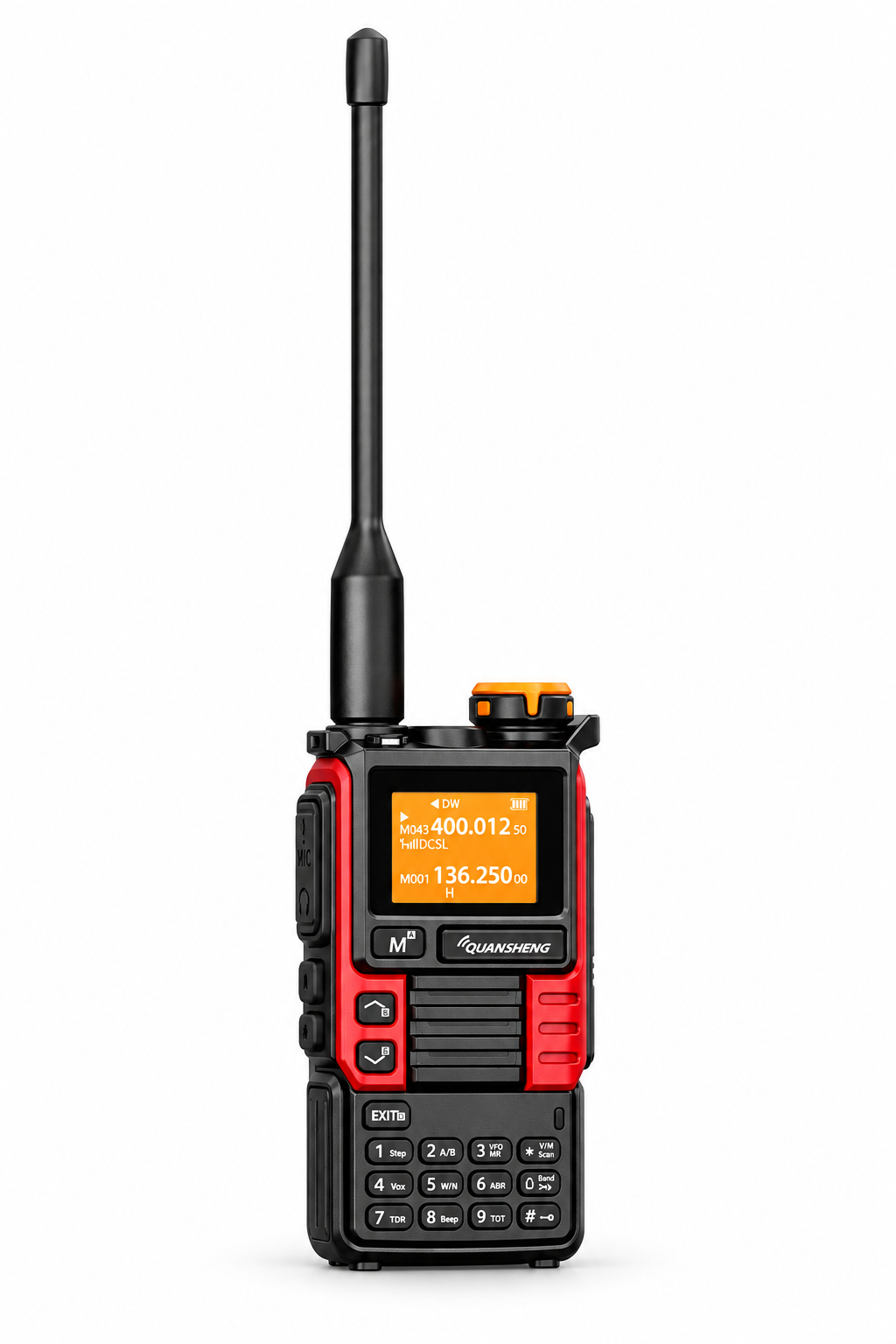
Use the product links below to check current pricing, stock, specifications and included accessories. Images show the corresponding store products; they are not a claim that every edition has identical hardware or package contents.
Four things to check before ordering
- Quantity: The blue, gray, yellow and red listings are single-radio purchases. Check the selected listing rather than assuming a product image represents a two-radio set.
- Included accessories: Confirm whether the cable, charger or other accessory you need is included. A pictured function does not mean every accessory needed to use it comes in the box.
- Charging instructions: The listings describe desktop charging and USB-C emergency charging. Follow the instructions for the supplied radio, battery and charger.
- Model and software match: Confirm the full model name and hardware version before installing programming software or firmware. Do not choose a file solely because the radio looks similar.
Which edition should you choose?
If your preferred listings meet the same requirements, color can be a straightforward personal choice: blue, red and yellow offer stronger visual accents; gray is more restrained; transparent emphasizes the clear housing. If a particular feature is essential, ask us to confirm it for the exact listing before you buy.
For communication with another radio, compatible operating settings are also needed. Before transmitting, check the requirements that apply to your equipment and intended use in your location.
Need help choosing or setting up?
Tell us the product model, your country and what you need help with. Our team normally responds within 1–3 business days.
Contact SHJ Communications · Browse downloads and manuals · Shop all radios
This guide summarizes the linked SHJ Communications product listings at publication. Product pages contain the current price, availability and package details.